
Introduction
In today’s digital world, businesses use multiple apps, platforms, and tools to manage operations, marketing, sales, and customer support. Manually moving data between these systems is time-consuming, error-prone, and inefficient. This is where n8n becomes a game-changer.
n8n is an open-source workflow automation platform that connects apps, APIs, databases, and services into automated workflows. In 2025, n8n has become one of the most powerful alternatives to Zapier and Make due to its flexibility, self-hosting capability, and developer-friendly architecture.
What is n8n?
n8n (pronounced “n-eight-n”) is a low-code workflow automation tool that allows you to automate tasks by linking different applications together. It acts as a digital bridge between systems so data can move automatically based on triggers and actions.
Unlike most automation platforms, n8n is open-source and can be self-hosted, giving you full control over data privacy, security, and costs.
How n8n Works
n8n follows a simple but powerful automation model:
Trigger → Actions → Result
For example, when a customer submits a form on your website, n8n can automatically:
- Save the data in Google Sheets
- Create a lead in CRM
- Send a WhatsApp or email notification
- Trigger a follow-up task for your sales team
All of this happens without manual intervention.
Key Features of n8n
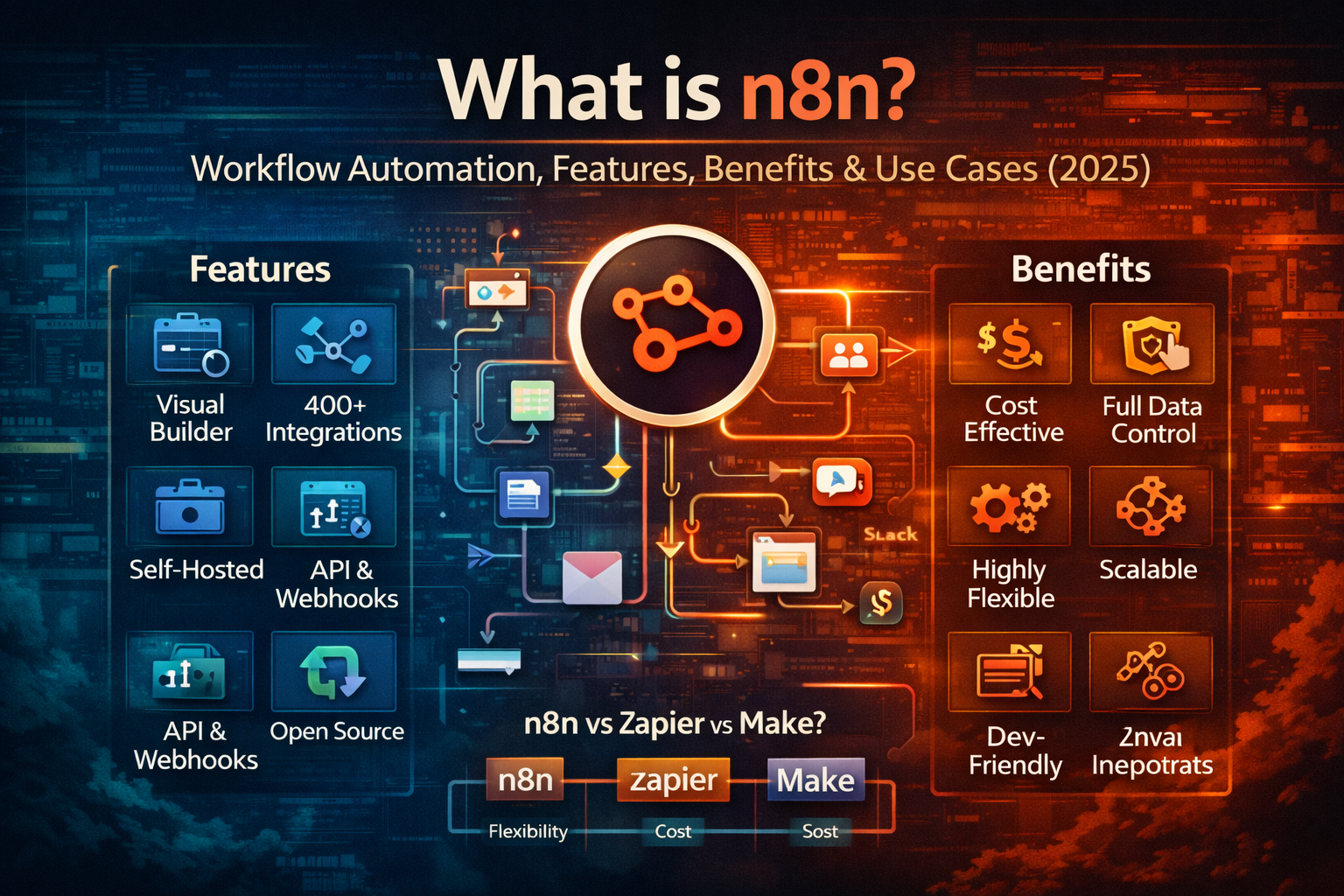
- Visual Workflow Builder: Drag-and-drop interface to design workflows.
- Self-Hosted or Cloud: Run on your own server or n8n Cloud.
- 400+ App Integrations: Google Sheets, Slack, MySQL, HubSpot, Notion, etc.
- Webhook & API Support: Connect any system.
- Conditional Logic: Build if-else, loops, and data filters.
- JavaScript Support: Add custom business logic.
- Open-Source: Fully customizable.
Benefits of Using n8n
- Cost-Effective: Free when self-hosted.
- Data Ownership: Your data stays on your servers.
- Highly Flexible: Build simple or complex workflows.
- Scalable: Works for startups and enterprises.
- Developer Friendly: Supports APIs and custom code.
Pros and Cons of n8n
Advantages
- Open-source and secure
- No task limits when self-hosted
- Enterprise-grade automation
- Supports API-to-API workflows
Disadvantages
- Requires server or hosting knowledge
- Slight learning curve for beginners
- UI is more technical than Zapier
n8n vs Zapier vs Make
| Tool | Best For | Pricing | Flexibility |
|---|---|---|---|
| n8n | Developers & businesses | Free (self-hosted) | High |
| Zapier | Non-technical users | Paid | Medium |
| Make | Advanced no-code users | Paid | High |
Based on flexibility and cost comparison charts, n8n offers the highest flexibility with the lowest long-term cost.
Real-World Use Cases of n8n
- Lead capture & CRM automation
- Email & WhatsApp workflows
- ERP and accounting sync
- Marketing automation
- API integrations
- AI chatbot automation
- DevOps alerts and logs
When NOT to Use n8n
- If you want zero technical setup
- If you only need very basic automation
- If you do not have hosting or server access
Conclusion
n8n is one of the most powerful workflow automation platforms in 2025. It combines the flexibility of APIs, the simplicity of no-code tools, and the power of enterprise automation.
If you want complete control, unlimited automation, and long-term cost savings, n8n is the best choice for modern businesses, developers, and SaaS platforms.

Discussion (0)
Leave a comment