
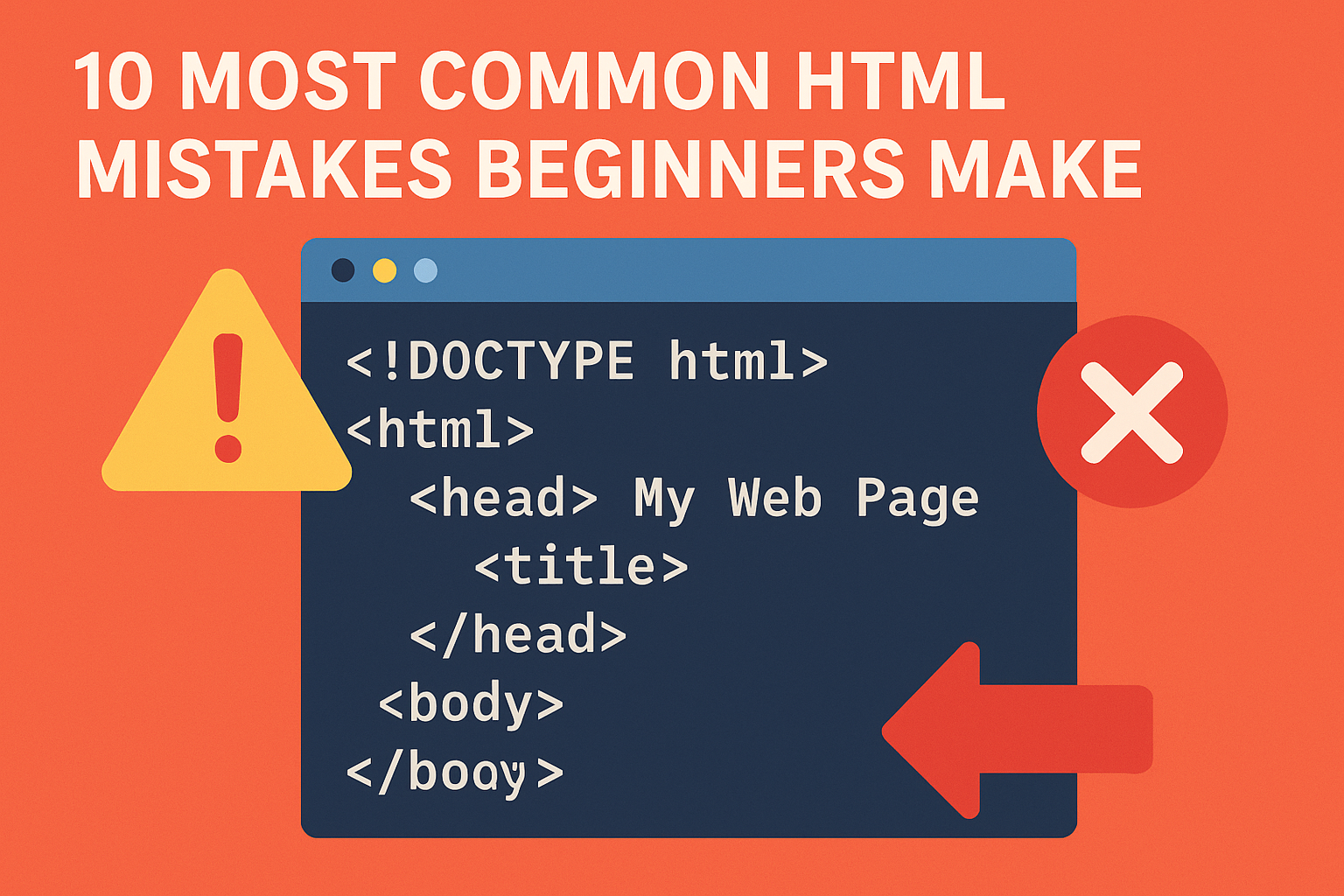
10 Most Common HTML Mistakes Beginners Make
Beginners often repeat small HTML errors that break layouts, hurt SEO, and reduce accessibility. Use this guide to spot and fix the top issues quickly.
Missing DOCTYPE
Without <!DOCTYPE html>, browsers can switch to quirks mode, causing inconsistent rendering. Always keep it as the first line of each document.
Improper Nesting
Elements must close in the reverse order they open. Wrong: <b><i>Text</b></i>. Correct: <b><i>Text</i></b>. Proper nesting prevents CSS and accessibility issues.
Missing Image Alt Text
alt describes images for screen readers and when images fail to load. Use meaningful descriptions like <img src="hero.jpg" alt="Laptop displaying HTML code">.
Overusing Inline CSS
Inline styles clutter markup and are hard to maintain. Prefer external stylesheets and semantic classes; keep HTML focused on structure and meaning.
Weak or Missing Head Metadata
Omitting <title> and meta descriptions hurts SEO and CTR. Always include a clear title and concise description; add viewport meta for mobile.
Broken or Empty Links
Links like <a href="#"> without proper destinations confuse users and crawlers. Use valid URLs or buttons for actions. Check for 404s before publishing.
Skipping Form Labels
Inputs without labels reduce usability. Pair each input with <label for="id"> and the matching id on the input for better accessibility and click targets.
Not Validating Code
Run pages through a validator (e.g., W3C) to catch errors early. Linting and validation improve cross-browser consistency and long-term maintainability.
Quick Reference Table
| Mistake | Symptom | Fix |
|---|---|---|
| Missing DOCTYPE | Inconsistent layout | Add <!DOCTYPE html> |
| Unclosed tags | Broken structure | Close every element |
| Improper nesting | CSS or render bugs | Close in reverse order |
No alt text |
Poor accessibility/SEO | Describe the image |
| Inline CSS | Hard to maintain | Use external CSS |
| Weak head meta | Low CTR/SEO | Set title and description |
| Broken links | 404s, bad UX | Verify URLs |
| Deprecated tags | Outdated markup | Use semantic HTML5 |
| No labels | Form UX issues | Label every input |
| No validation | Hidden errors | Use a validator |
Clean Starter Template
<!DOCTYPE html> <html lang="en"> <head> <meta charset="utf-8"> <meta name="viewport" content="width=device-width, initial-scale=1"> <title>Page Title</title> <meta name="description" content="Short descriptive summary"> </head> <body> <header><h1>Heading</h1></header> <main><p>Content here...</p></main> <footer><p>Footer</p></footer> </body> </html>






Discussion (0)
Leave a comment